Become a Transporter
Run a fleet? Register your firm once, add all your drivers and vehicles, and each approved driver is listed in our searches.
From Sign Up to a Listed Fleet
Set up your firm, then add your drivers one by one. Our team checks each driver before they go live.
 1
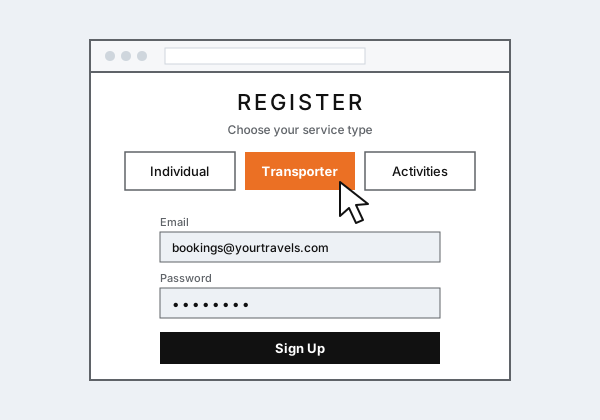
Register as a transporter
Click Register and choose Transporter. Sign up with your firm's email and a password.
- One login for your whole fleet
- Booking requests and updates are sent to this email
 2
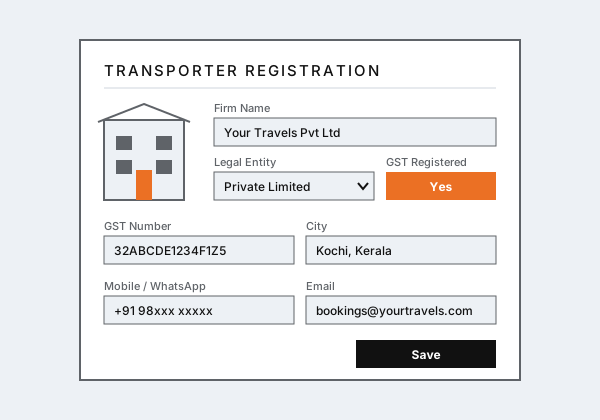
Enter your firm details
Complete the Transporter Registration form to finish creating your account.
- Firm name and legal entity
- GST registration and GST number
- Address, city, state and pin code
- Contact person, phone, mobile, WhatsApp and email
 3
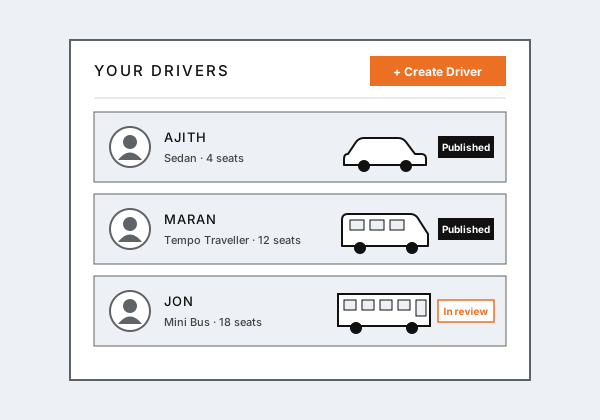
Add your drivers and vehicles
After your firm is saved you go straight to Create Driver. Add each driver with the vehicle they drive, then use Drivers › Create Driver in your dashboard to add more.
- Driver details: name, base city, contact, licence and badge, experience and languages
- Vehicle details: category, seats, registration, permit, GPS and amenities
- Add as many drivers as you have, from sedans to buses
- Update any driver later from Edit Drivers
 4
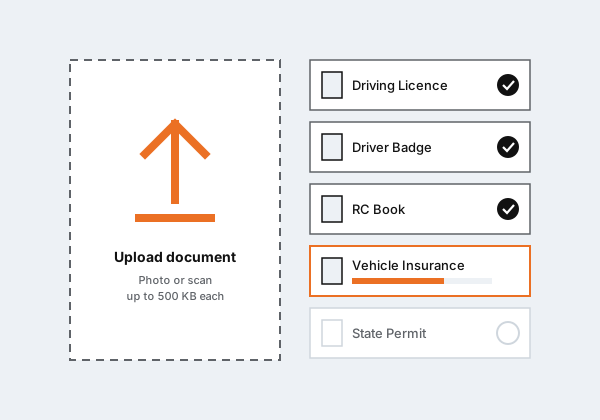
Upload documents for each driver
Every driver needs their own documents and their vehicle's papers. Each file can be up to 500 KB.
Driver
- Driver Photo
- Driving Licence
- Driver Badge
- Address Proof
Vehicle
- RC Book
- Vehicle Insurance
- State Permit / All India Permit
- NOC (if the firm is not the owner)
- Vehicle photo (outside)
- Vehicle photo (inside)
 5
Verification and approval
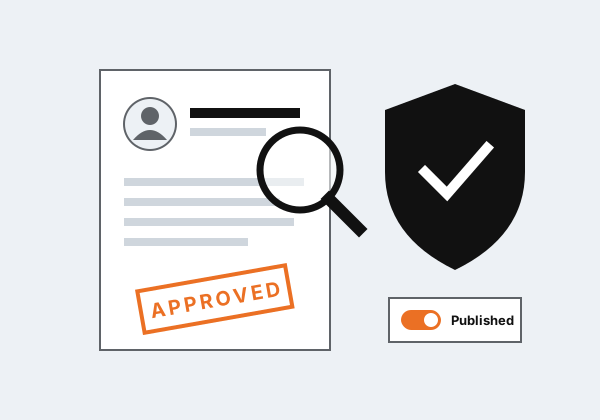
Our team checks your firm and each driver's details and documents. Drivers are approved and published one at a time, so a driver whose papers are complete can go live while you finish the others.
- We contact you if anything is missing or unclear
- Only verified drivers are shown to travellers
Every Driver Gets a Card
Each published driver in your fleet appears as their own card when travellers search for that driver's city and dates.

- Travellers click Book Now on a driver to view the vehicle photos and request a quote
- You receive the trip details, stops and any activities they added
- Reviews and ratings build up on each driver's card
Manage Your Fleet
Your transporter dashboard keeps the firm and all its drivers in one place.
What You Need
Register Your Fleet
Already registered? Log in to add drivers or upload documents. Driving your own vehicle? Become a chauffeur guide instead.