Become a Chauffeur Guide
Drive travellers from around the world and show them your region. Register, add your vehicle and documents, and once approved your profile is listed in our searches.
From Sign Up to Your First Booking
Five steps. Most of it takes one sitting, then our team does the checks.
 1
Create your account
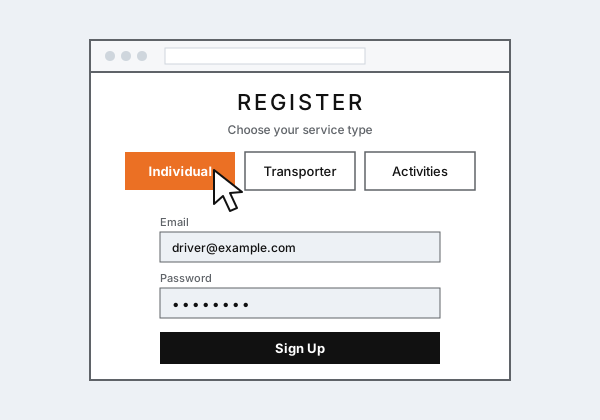
Click Register and choose Individual if you drive your own or one vehicle, or Transporter if you manage several drivers (see how transporters register). Sign up with your email and a password.
- Use an email you check often: bookings and updates are sent there
- Log in any time to continue where you left off
 2
Enter your driver details
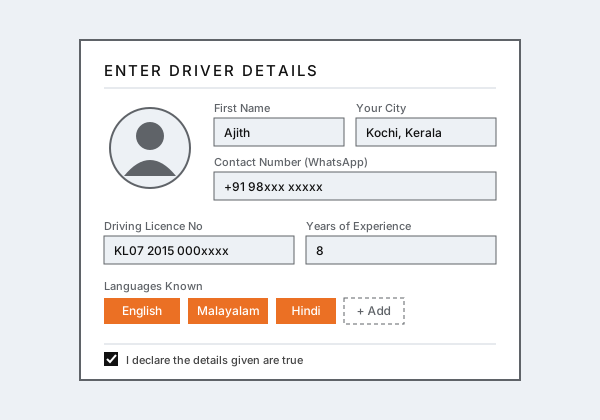
Tell travellers who you are and where you work.
- Name, address and the state and city you are based in
- A short description about you as a tour driver
- Contact and WhatsApp numbers, Aadhar card number
- Driving licence and badge numbers
- Years of experience, states you know and languages you speak
 3
Add your vehicle
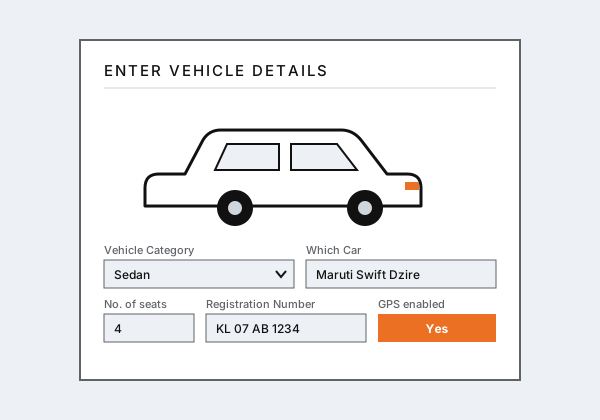
Describe the vehicle you will drive, so travellers can pick the right size for their group.
- Category: Sedan, Toyota Crysta, Toyota Innova, Tempo Traveller, Mini Bus or Bus
- Number of seats, registration number and year
- Permit category, GPS and any amenities you provide
- Owner details, if you do not own the vehicle
 4
Upload your documents
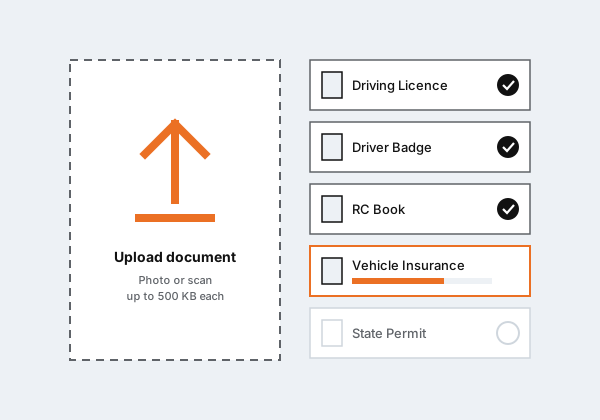
Upload a clear photo or scan of each document. Each file can be up to 500 KB.
About you
- Driver Photo
- Driving Licence
- Driver Badge
- Address Proof
About the vehicle
- RC Book
- Vehicle Insurance
- State Permit / All India Permit
- NOC (if you are not the owner)
- Vehicle photo (outside)
- Vehicle photo (inside)
 5
Verification and approval
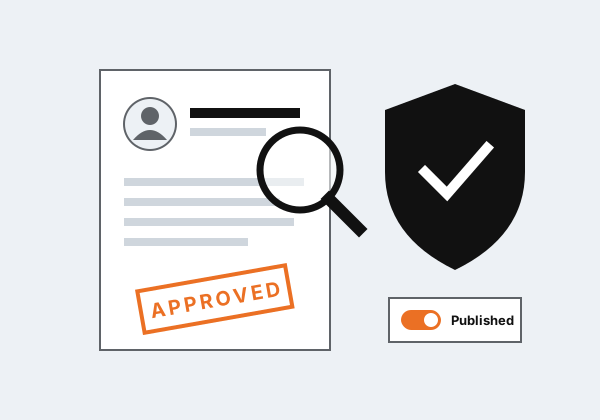
Our team checks your details and documents. If anything is missing or unclear we will contact you. Once everything is verified, we approve and publish your profile.
- You can update your details and documents while you wait
- Only verified drivers are shown to travellers
You Are Listed in Searches
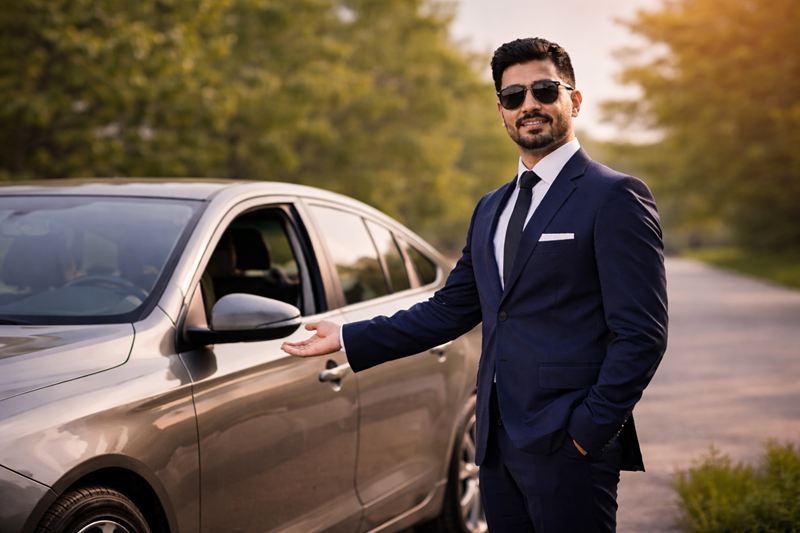
When your profile is published, you appear as a card like this when travellers search for your city and dates.
- Travellers see your photo, city, vehicle and seats
- They click Book Now to view your vehicle photos and request a quote
- You receive the trip details, stops and any activities they added
- After the trip, travellers leave reviews and ratings that appear on your card
What You Need
Start Your Registration
Already registered? Log in to finish your details or upload your documents.